How to program tire pressure sensors (TPMS): Step-by-step guide
Learn how to program TPMS sensors, relearn the system, and verify readings with a step-by-step approach. Practical tips, safety cautions, and tools for DIY TPMS sensor programming.


Understanding TPMS programming and why it matters
According to Tire Pressure Tips, TPMS programming ensures the sensor data matches the vehicle’s TPMS control module after new sensors are installed or when wheels are swapped. The Tire Pressure Tips team notes that misprogrammed sensors can cause false warnings, inaccurate PSI readings, or delayed tire pressure alerts, which can affect safety and fuel economy. TPMS uses a combination of wheel sensors, a receiver in the vehicle, and sometimes the ABS system. When you program or relearn sensors, you’re updating each sensor’s unique ID so the ECU can correctly identify the corresponding wheel. This section clarifies the difference between a pure sensor replacement, a full programming job, and a relearn pass. In practice, a correct ID match improves warning accuracy and reduces nuisance alerts, especially after winter tire changes or after buying used wheels. Based on Tire Pressure Tips Analysis, 2026, reliable programming reduces false alerts and ensures accurate PSI tracking over time.
Prerequisites and safety considerations
Before touching TPMS hardware, consult your vehicle manual for model-specific relearn steps. Work in a clean, well-lit space on a flat surface, apply the parking brake, and disable the power if required by your device. Do not attempt programming while the vehicle is in motion. Ensure all tires have the recommended cold PSI before you begin; some relearn methods require a brief drive after the sensor data is updated. If you are unsure about any step, seek professional assistance. Safety notes: keep hands clear of moving parts, use wheel chocks, and never attempt to repair or modify sensors while the tire is mounted on the rim without proper equipment.
Tools and setup before starting
Gather essential tools: a TPMS programming device that supports your model, replacement sensors if needed, a vehicle manual, possibly an OBD-II scanner, and fresh batteries. Confirm device compatibility with your vehicle year and trim. Create a simple log of sensor IDs as you program them to avoid mix-ups. Prepare a clean workspace and read all prompts on the programmer before pressing buttons.
Planning the relearn and verification workflow
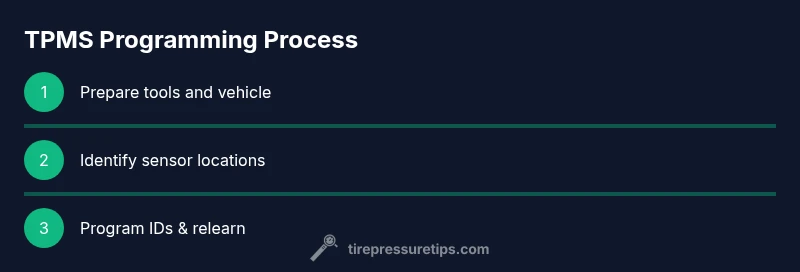
Outline the steps: verify existing sensor IDs, map them to wheel positions, program new IDs if installing new sensors, perform the relearn sequence as directed by your device, then drive the vehicle or use a scanner to confirm each wheel is recognized by the ECU. Finally, recheck all four tires for correct PSI and confirm the TPMS warning light resets when appropriate. Document results for future maintenance.